Voice and text · Local-first capture · AI-assisted review
AI journal app for voice, text, and patterns you can revisit
DailyLens gives you a low-friction place to write or speak, even when you are offline. Entries are kept locally first and can sync to your account when you are signed in and back online. AI tools can deepen a reflection, analyze a transcribed voice entry, or prepare reports when the relevant feature is available.
Write a few lines or record a voice entry when speaking is easier.
Keep capturing offline, then sync through your authenticated account when a connection returns.
Use AI deepening, voice analysis, and daily or weekly reports according to access and plan.
One journal, several ways to review
Capture first. Add perspective when it is useful.
The core journal stays practical: record the moment, return to the text, and use deeper processing when you choose a supported AI workflow.
Capture
Voice + text
Storage
Local first
Review
Entries + reports
Built for real journaling habits
A journal that works before AI enters the picture
DailyLens starts with reliable capture and review. AI features add another lens; they do not replace your own words or judgment.
/ 01
Choose the format that fits the moment
Type when you want precision. Record audio when the thought is moving faster than your hands. The result remains part of the same journal history.
/ 02
Keep the habit going offline
Text entries are stored locally first, so a poor connection does not have to interrupt capture. Authenticated sync resumes when you are online.
/ 03
Review more than a single moment
AI deepening can help you explore an entry, while daily and weekly reports can summarize aggregated context when report access is enabled.
How the workflow fits together
From a private moment to a useful review
Capture, synchronization, and AI processing are distinct steps. That separation makes it clearer what works offline and what needs backend or AI services.
Step 1 · Capture
01
Write or record the entry
Create a text entry locally or record audio for a voice entry. You can capture the thought without first turning it into a polished journal page.
Step 2 · Sync
02
Reconnect through your account
When you are signed in and online, supported journal data synchronizes through the authenticated backend so it can stay connected to your account.
Step 3 · Deepen
03
Start the relevant AI workflow
AI deepening can respond to a written reflection. Voice analysis follows transcription and runs asynchronously. These capabilities can be gated by plan or rollout.
Step 4 · Review
04
Return to the wider context
Plan-dependent daily and weekly reports are produced asynchronously from available aggregated context, such as journal activity and other information recorded in DailyLens.
What you can work with
Three views of the same journaling practice
Move from quick capture to readable entries and broader review without forcing every moment into the same format.
Voice entry
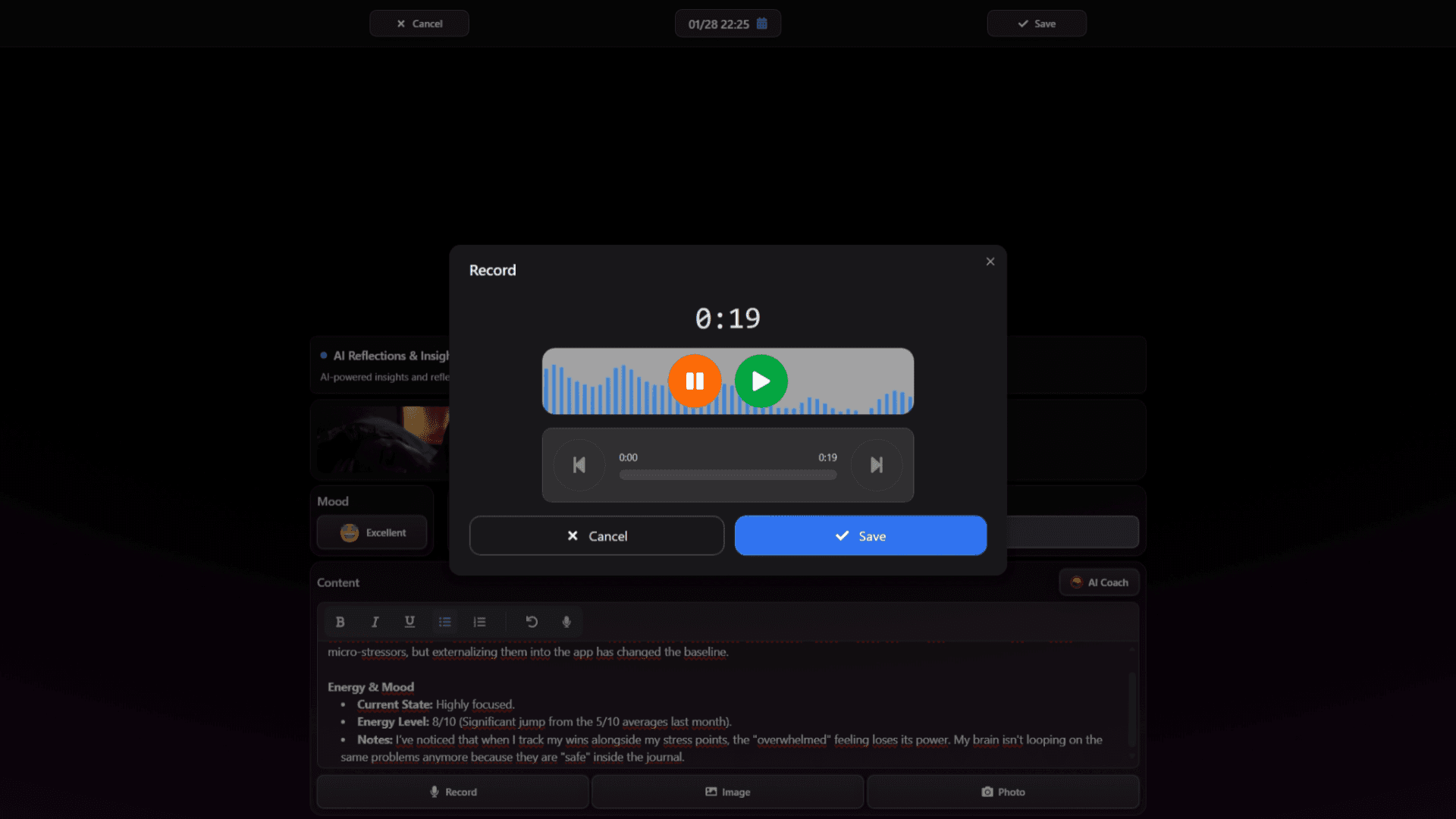
Record an audio entry and return later as transcription processing completes. Transcription is asynchronous and can depend on plan access.
Written entry
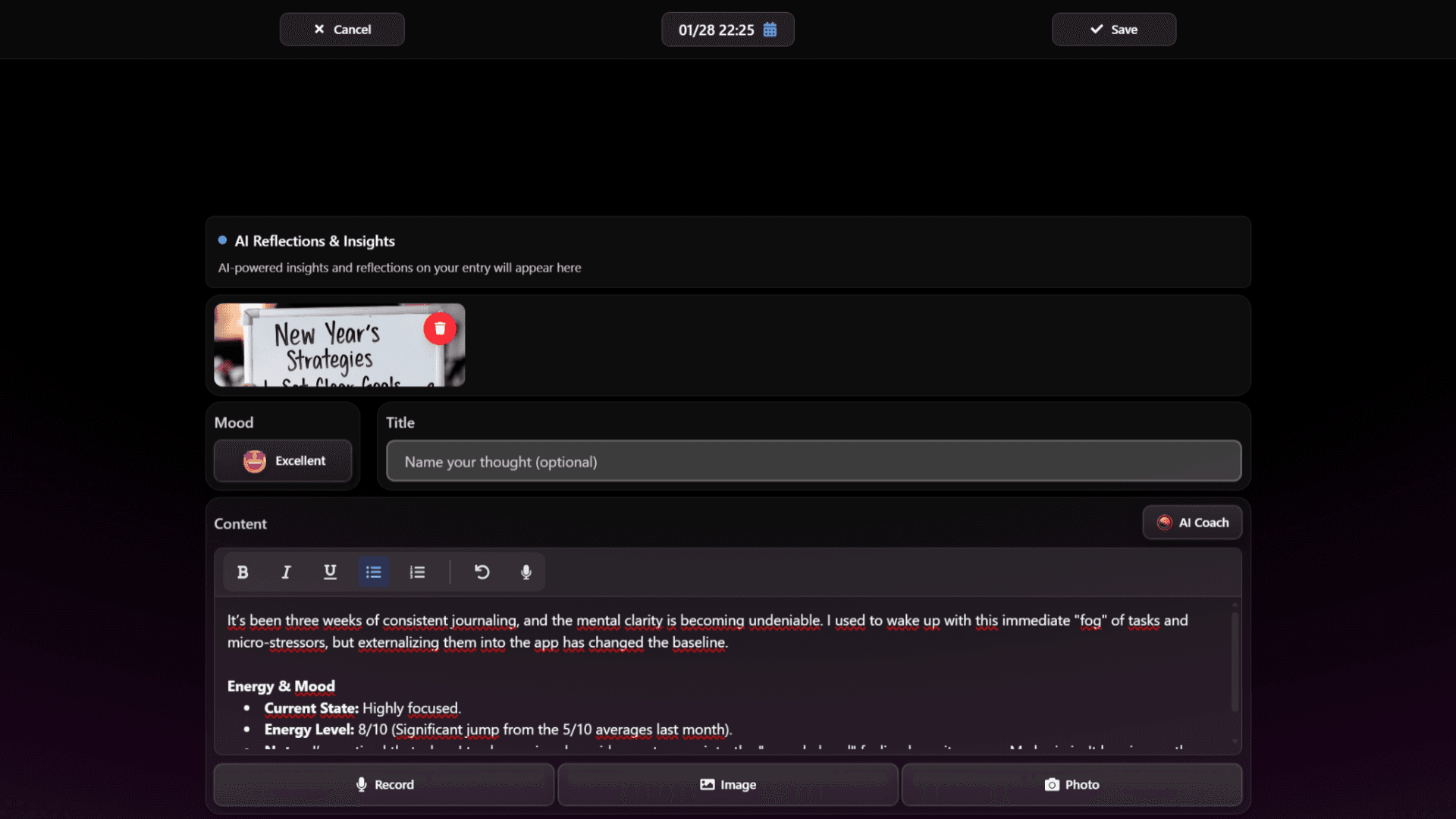
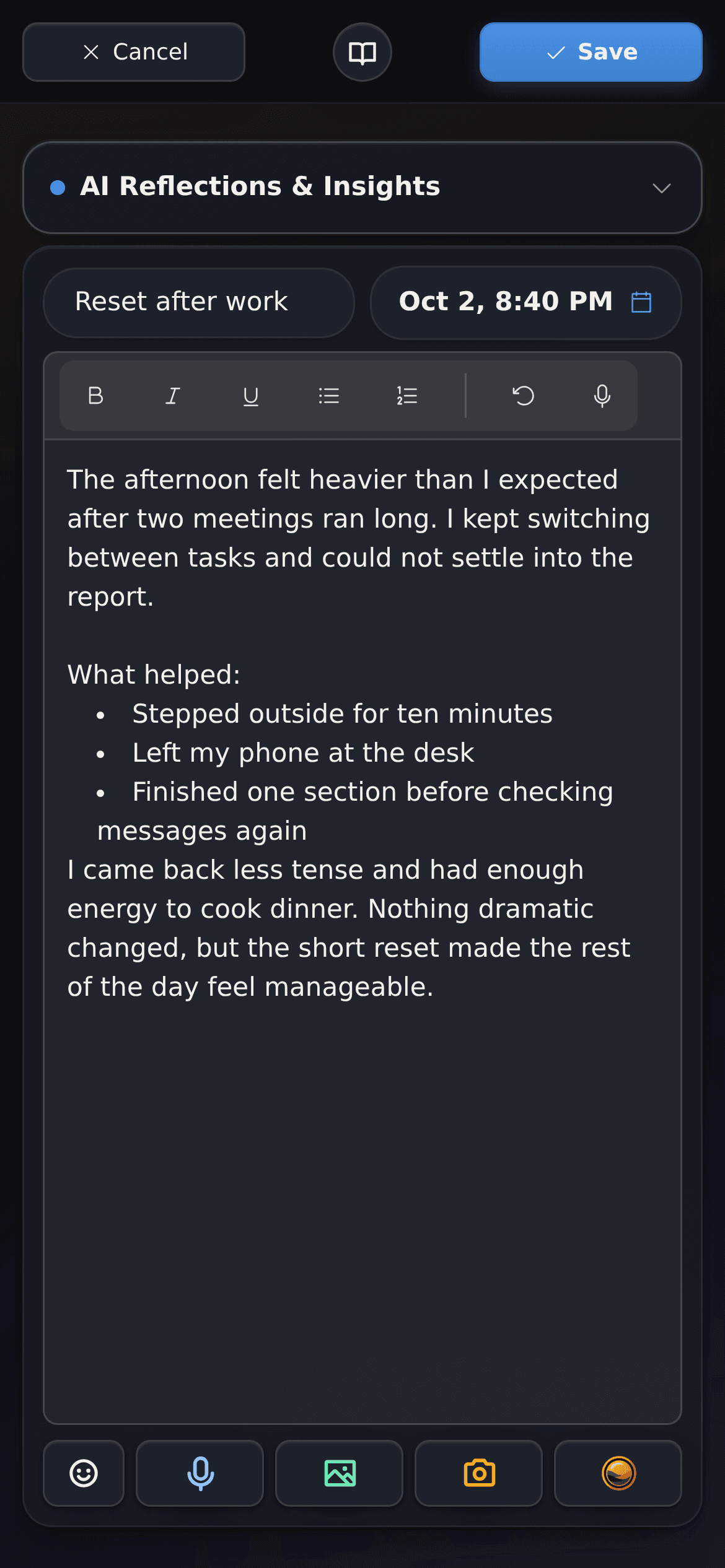
Write directly, revisit the original text, and use AI deepening when you want help exploring what stands out.
Overview and statistics
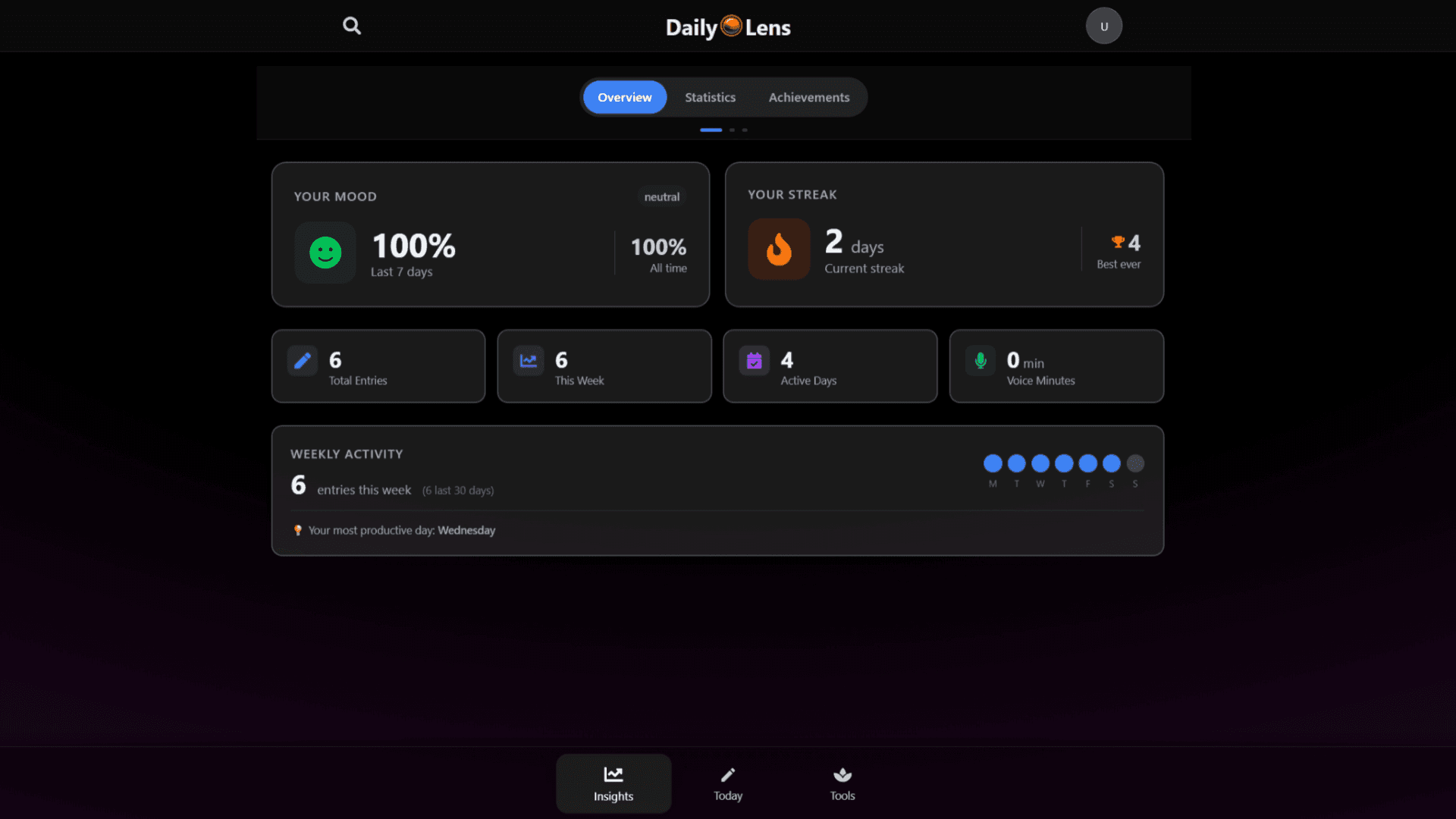
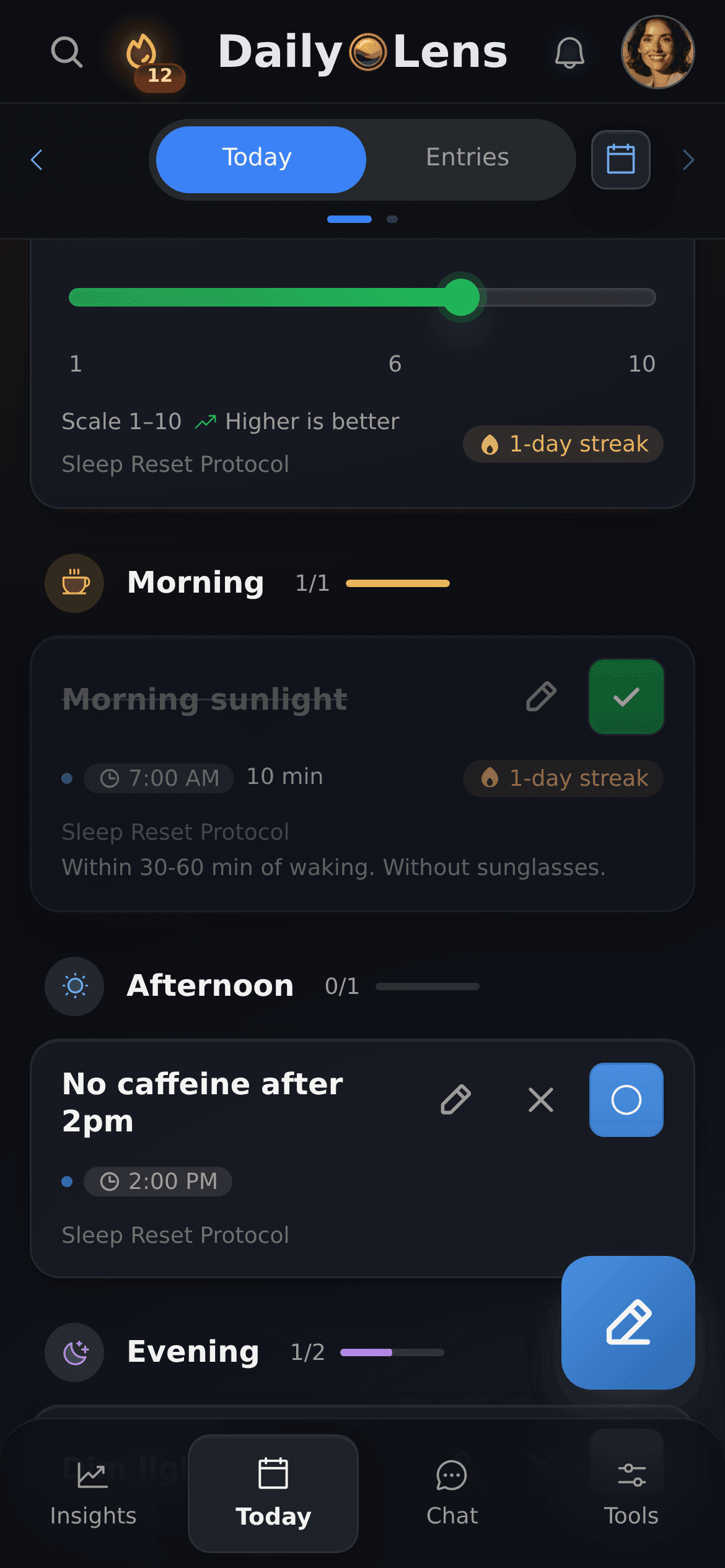
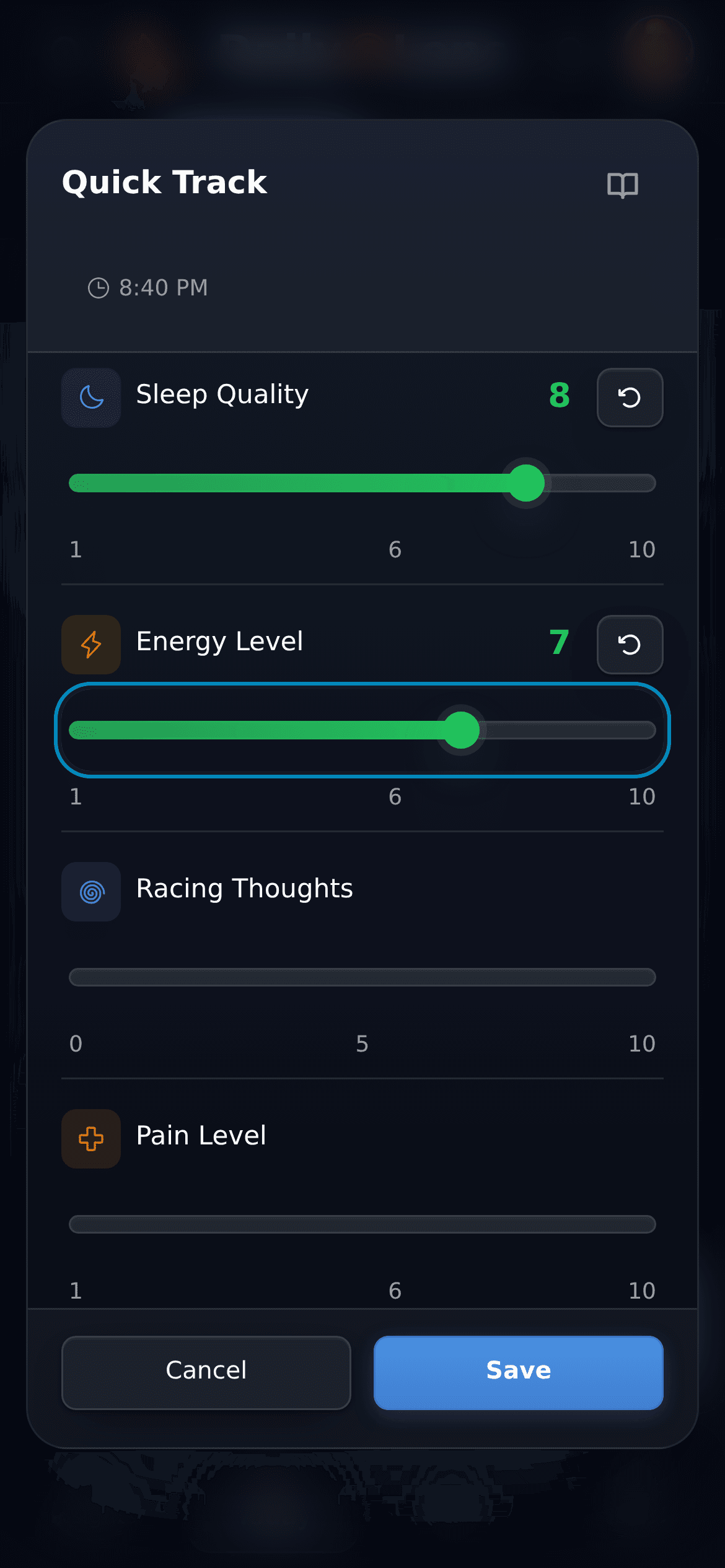
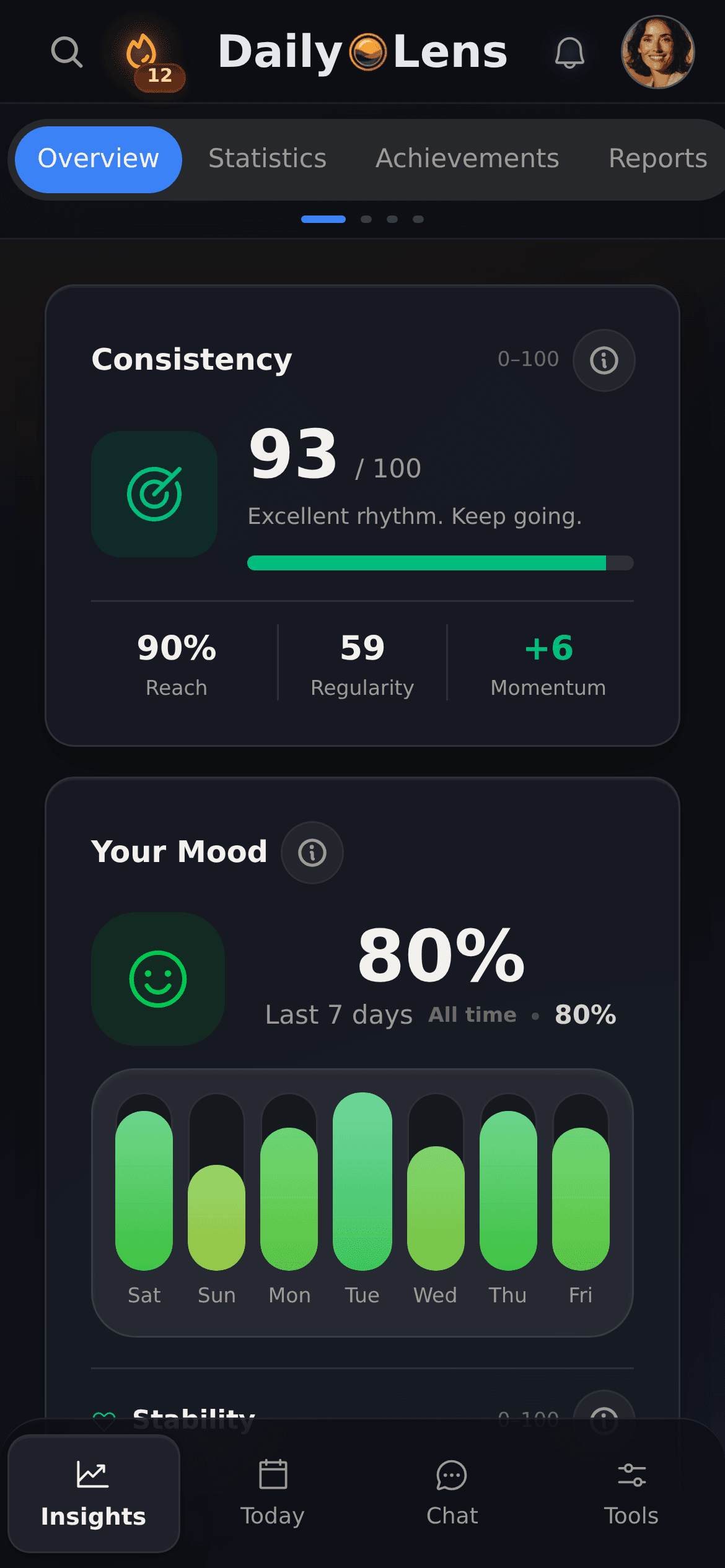
Review mood, streak, entry counts, active days, voice minutes, and weekly activity in the DailyLens Insights overview.
Clear boundaries for personal material
Know what stays local and when services are involved
A journal can contain sensitive context. DailyLens distinguishes local capture, authenticated synchronization, and the backend or AI processing needed for specific features.
Capture starts on your device
Text journal data is stored locally first, allowing core capture to continue offline.
Online sync is account-scoped
When you are signed in and online, supported data is synchronized through the authenticated backend and associated with your account.
AI features require service processing
When you use AI deepening, transcription, voice analysis, or reports, the data needed for that feature is sent to backend services and configured AI providers. Ordinary local capture does not by itself produce an AI response.
Some results arrive later
Transcription, voice analysis, and reports can be asynchronous and plan-gated. Feature access, registration, and pricing can vary with plan and rollout.
Reflection is not clinical care
DailyLens can help you review your own words and patterns. It is not a therapist, does not provide a diagnosis, and does not replace qualified professional care.
Go deeper at your own pace
Practical reading on journaling and reflection
Explore articles about building a useful journaling practice, noticing patterns, and making reflection easier to return to.
What if you could build a more resilient mind, enhance your focus, and achieve radical clarity in just ten minutes a day? That's the promise of daily journaling, a practice leveraged by world-class performers and longevity experts. Far from a simple diary, it's a strategic tool for managing stress and programming your mind for success. Here, we’ll explore the scientific evidence and deliver actionable protocols to help you harness this ancient habit as a modern advantage.
Learn how cognitive offloading reduces mental clutter, protects focus, and helps overloaded professionals build a calmer, more intentional workday today.
Discover how a simple 10-minute evening planning ritual can cut procrastination by 30% and boost focus, energy, and performance. Backed by habit science, this guide offers practical protocols and a journaling template to help you start tonight.
In the landscape of high performance, your attention is your most valuable currency. Yet, we live in an state of constant attentional warfare. Notifications, context switching, and an endless stream of information create a near-constant state of cognitive fragmentation. The deep work required for breakthrough performance feels increasingly elusive.
Read article
Features
Journal, routines, and daily tracking in one app
Use each tool on its own or together with the others, on your phone or computer. Start with one and add more as you need them.
Voice notes
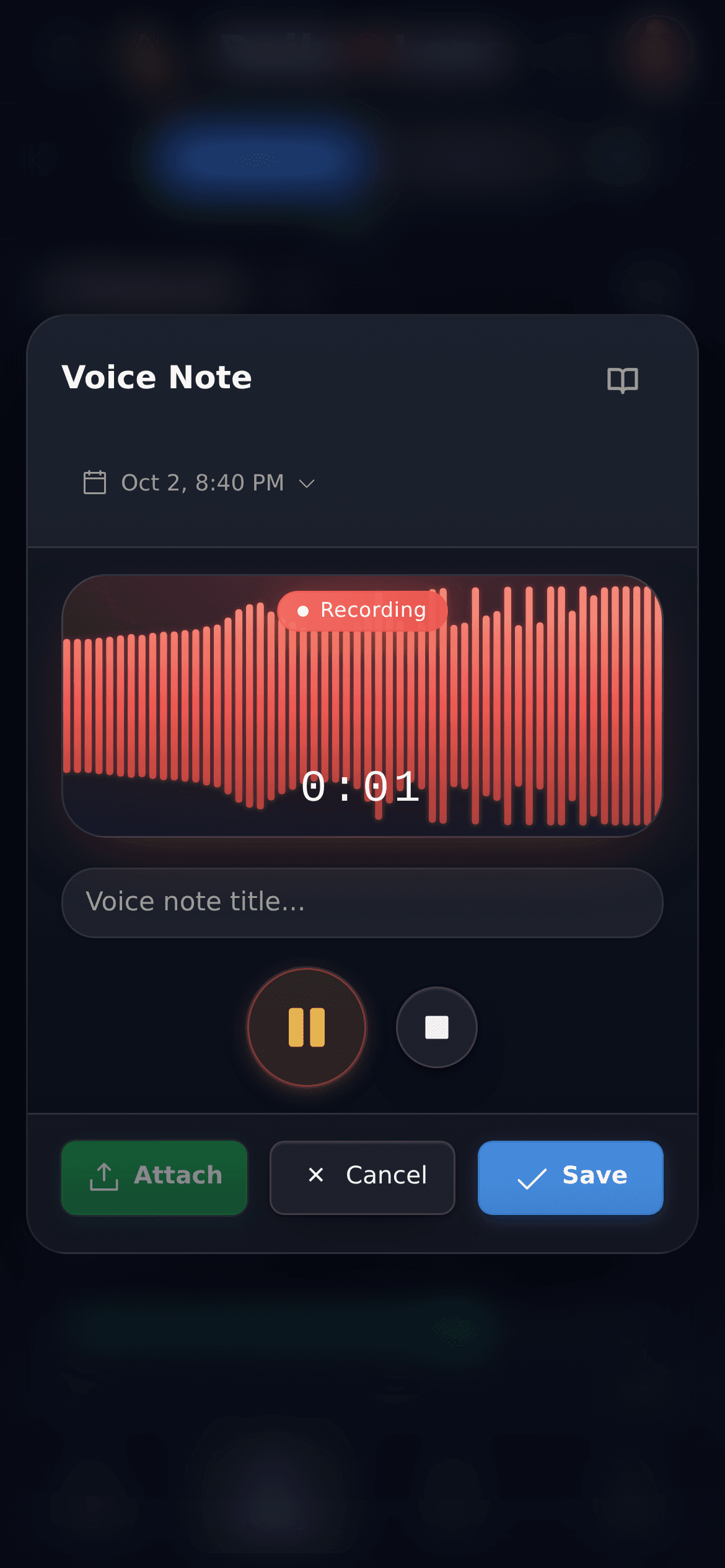
Speak instead of typing. Each recording is saved as a journal entry and transcribed in the background, within your plan's limits. Voice analysis is part of Pro.
Core text capture is local-first, so you can write while offline. When you are signed in and the connection returns, supported data can synchronize through the authenticated backend. AI processing and audio upload require online services.
How does voice journaling work?+
You can record an audio entry in DailyLens. Audio processing and transcription happen asynchronously after the media reaches the backend, so the transcript may appear later. Transcription access and quota depend on your plan and rollout.
What can the AI do with a journal entry?+
AI deepening can help you explore a written entry, and voice analysis can review an eligible transcribed entry. Voice analysis is asynchronous and separately access-gated from transcription. The result is a reflection aid, not an authoritative interpretation.
When is journal content sent to backend or AI services?+
Authenticated sync and AI feature processing are separate. When you are signed in and online, supported journal data is sent to the DailyLens backend and associated with your account. Configured AI providers receive the data needed for an optional AI-assisted feature only when that processing is invoked or enabled, such as AI deepening, transcription, voice analysis, or reports; normal account sync does not by itself invoke AI-provider processing. See the Privacy Policy for the full data-handling description.
What are daily and weekly reports?+
Reports are asynchronous, plan-dependent summaries built from available aggregated context, which can include journaling, routines, trackers, onboarding context, and previous reports. A report can be skipped when the required context or service configuration is unavailable.
Is DailyLens a therapist or diagnostic tool?+
No. DailyLens supports personal reflection and can surface patterns in the information you record. It does not diagnose conditions, prescribe treatment, or replace a therapist, doctor, or other qualified professional.
Which features are included and how much does access cost?+
Availability can depend on registration rollout, subscription plan, feature entitlement, and quota. Pricing and access may change during rollout, so check the current access flow for the options available to your account.
More ways to use DailyLens
One product, different starting points. Choose the topic closest to what you want to understand or improve.